
The app
Your phone is the quarter machine now
We were one of the first laundromats in the country to put the whole thing on an app — back when everyone else was still hunting for quarters. Download it once and you never think about change again.
Our location code
THEMAT
Type this into the Speed Queen app to find us.
Four steps
Set it up in about two minutes
Download Speed Queen
It's a free app on the App Store and Google Play. Search “Speed Queen” or use the buttons below.
Enter THEMAT
That's our location code. It tells the app you're doing laundry here in Boulder Creek.
Add funds
Credit or debit card, or Apple Pay. Load what you need — it stays on your account for next time.
Scan the QR on any machine
Every washer and dryer has one. Scan, start, walk away.
Either way works
App or card. Never coins.
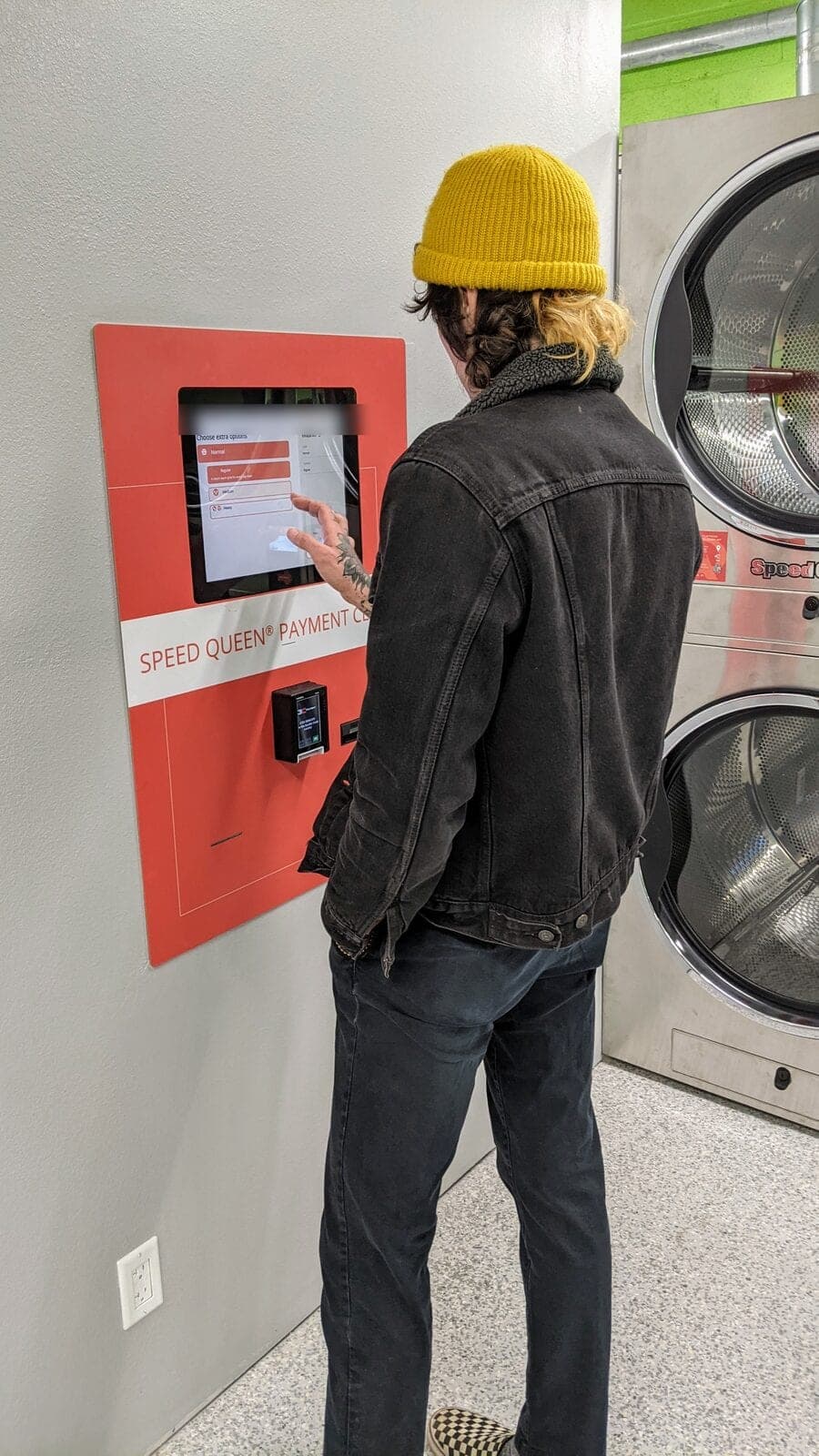
The app is faster and it texts you when your load is done. The kiosk on the wall does the same job with a card in your hand. What we do not have is a change machine — you will not need one.
Why bother
Three things it does that coins never did
It pays
No quarters, no change machine, no digging through the console of your car in a parking lot.
It texts you
Your phone buzzes the second the machine stops. Go get a taco — we'll tell you when to come back.
It pays you back
Rewards and cash back build up as you wash. Nothing to clip, nothing to remember.
Not an app person?
That’s fine — there’s a card kiosk in the store.
Tap a credit or debit card at the kiosk, load a card, and run the machines the same way. We’re fully cashless either way, so don’t go looking for a change machine — there isn’t one.